Clearer journeys
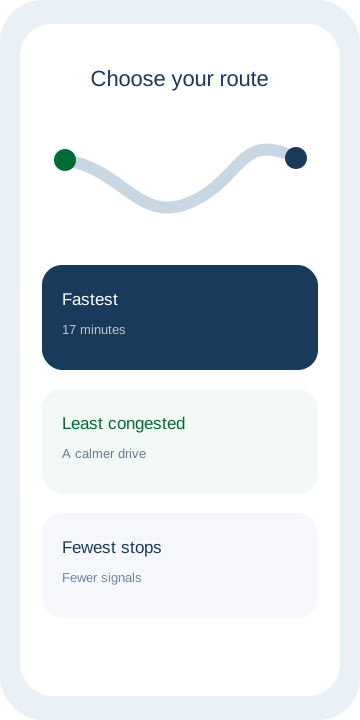
Fastest, least congested, and fewest stops.
It starts with your journeys and appointments, and over time learns how you like to be addressed, when you want it to listen, and when you want it to help. The decision is always yours.
Stay tuned. Coming soon.
Free at launch.
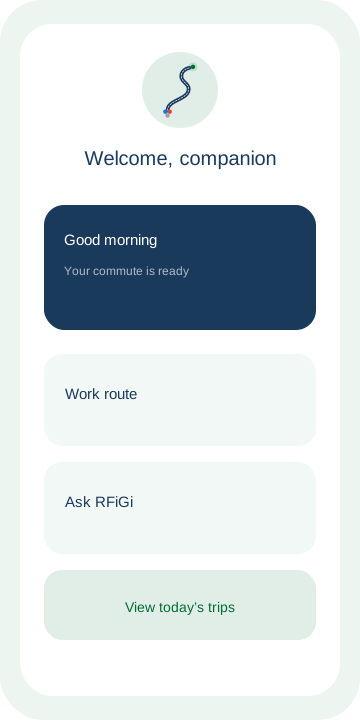
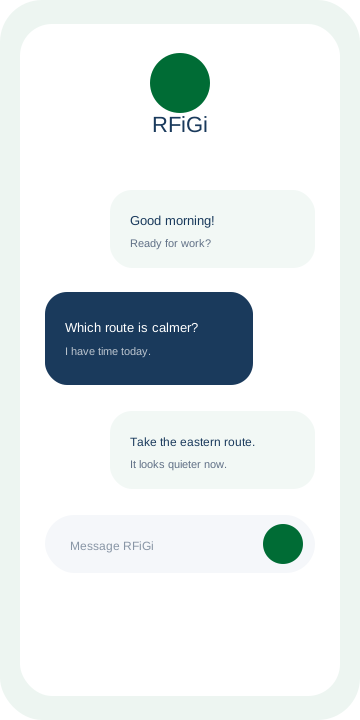
The answer: RFiGi brings together everyday assistance and natural conversation. It compares your routes, organizes your departure time, and listens when you need space to talk.
Fastest, least congested, and fewest stops.
Helps with appointments and departure times.
Simple Saudi Arabic, without formality or complexity.
Gradually understands your preferences, with your consent.
And when simply to listen.
You choose what it remembers and what the relationship forgets.
When RFiGi launches, open it in your browser, create your account, and install it on your home screen for easy everyday access.
Access RFiGi directly from your device browser.
Sign in to begin your experience and save your choices.
Add the RFiGi icon to your home screen for quick access.
We are currently preparing the RFiGi web experience and will announce its launch when it is ready.
At launch, open it in your browser and follow the instructions for your device to add its icon to your home screen.
The service will be free at launch.
No. RFiGi helps with information and suggestions, while the decision is always yours.
Your permissions are clear. You choose what it may remember and can change your choices.
RFiGi is an AI assistant and may make mistakes. The decision is always yours.